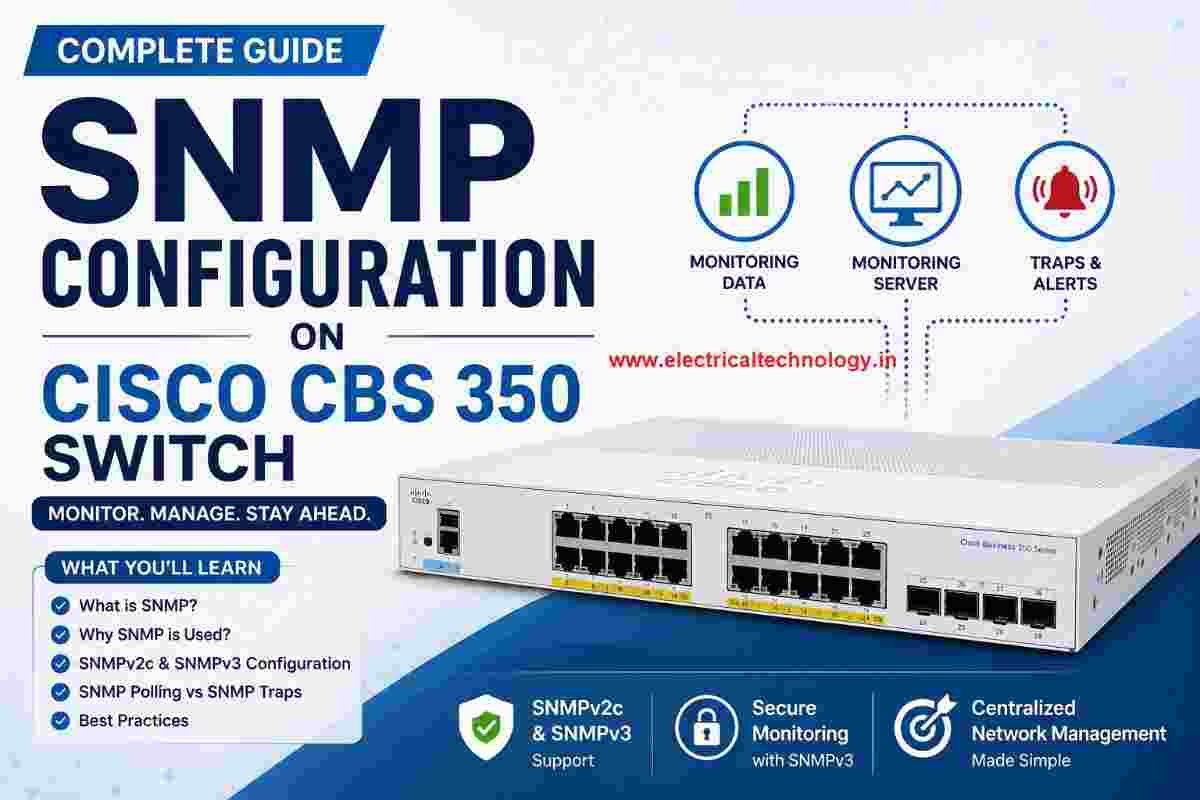
snmp configuration in cisco CBS 350 switch

nmp-configuration-cbs-350-switch

snmp configuration in cisco CBS 350 switch: The Cisco CBS 350 is a Small Business switch that can be configured for SNMP monitoring through its web-based management interface. snmp configuration in cisco CBS 350 switch Also Read: Airpro AP 4500 SNMP configuration|Airpro 4500 web GUI config What is SNMP? SNMP (Simple Network Management Protocol) is …

Read moresnmp configuration in cisco CBS 350 switch

Mobile Network Not Showing? Simple Settings to Fix Common SIM & Signal Problems

Mobile Network Not Showing? Simple Settings to Fix Common SIM & Signal Problems

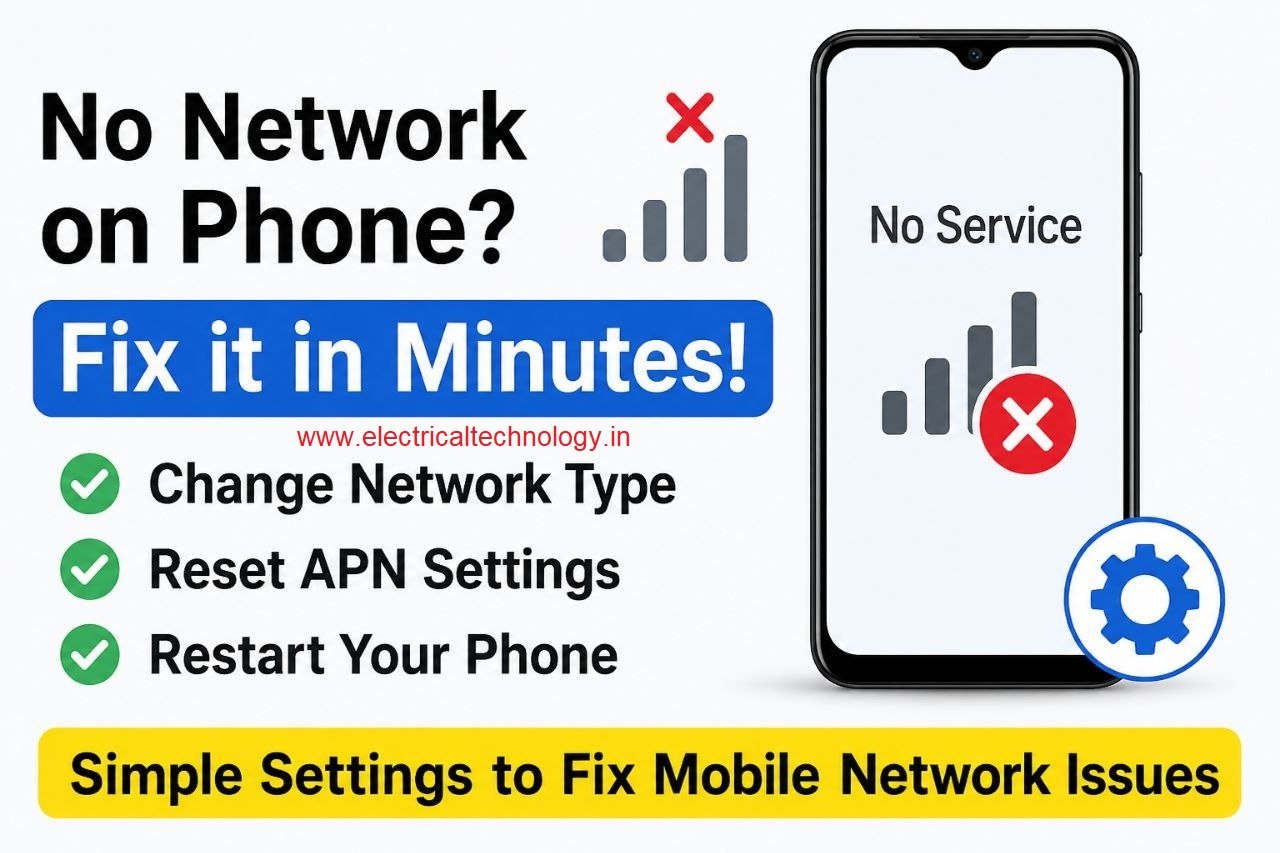
Mobile Network Not Showing? Simple Settings to Fix Common SIM & Signal Problems: A mobile phone without a network connection can be frustrating, especially when calls, SMS messages, and mobile data suddenly stop working. In some cases, the problem may not be with the SIM card or your mobile operator. A few network settings on …

Read moreMobile Network Not Showing? Simple Settings to Fix Common SIM & Signal Problems

Yes! The PC can work in Trunk port of a Managable switch

How pc can be connected in trunk port of managable switch: How to connect a PC/ Laptop to a trunk port of a Managable switch? Generally, in a PC RJ 45 cable can be connected to access port in a manageable switch. In some NIC cards, there is option for using PC/laptop connected to trunk …

Read moreYes! The PC can work in Trunk port of a Managable switch

Teamlink 721 Switch CLI configuration commands and Shortcut Keys

Teamlink 721 Switch CLI configuration commands and Shortcut Keys: The Command Line Interface (CLI) is a medium for you to communicate with the TEAMLINK 721A. You can configure, monitor, and manage the TEAMLINK 721Athrough the CLI. You can log in to the TEAMLINK 721Athrough the terminal equipment or through a computer that runs the terminal …

Read moreTeamlink 721 Switch CLI configuration commands and Shortcut Keys

Airpro AP 4500 SNMP configuration|Airpro 4500 web GUI config

Airpro AP 4500 SNMP configuration: Airpro 4500 configuration for snmp settings is shown in web GUI config mode. SNMP(Simple Network Management Protocol) SNMP: an application-layer standard protocol used for monitoring and managing network-connected devices like routers, switches, servers, and printers. It operates on UDP ports 161/162, allowing administrators to track network performance, detect failures, and …

Read moreAirpro AP 4500 SNMP configuration|Airpro 4500 web GUI config

SMPS Power plant for Telecom Installations

SMPS Power plant for Telecom Installations: Power supply system is the heart of telecom systems & electronic equipments. For a reliable installation of telecom assets, reliable power supply system is most important. In AC electrified area, the main power is derived from the traction supply. This supply is very reliable but its occasional interruption/ low …

Read moreSMPS Power plant for Telecom Installations

Commands for troubleshooting SFP optical levels OTDR test

Commands for troubleshooting SFP optical levels OTDR test:To troubleshoot a link flapping port that has been err-disabled, use these diagnostic tools to isolate whether the fault lies in the fiber optics or the copper cabling. Fiber Troubleshooting: SFP Optical Levels Use Digital Optical Monitoring (DOM) to check the “light levels” of your fiber transceivers. This identifies if …

Read moreCommands for troubleshooting SFP optical levels OTDR test

[Solved]link flap cisco switch port error disabled

link flap cisco switch port error disabled: A Cisco switch port enters err-disabled state due to link flapping when the interface toggles up/down rapidly (typically 3+ times within 10 seconds), often caused by faulty cables, SFP modules, or speed/duplex mismatches. link flap cisco switch port error disabled To resolve, inspect physical Layer 1 components, swap …

Read more[Solved]link flap cisco switch port error disabled

[Solved]Sibling Issue in Cisco Switch

Sibling Issue in Cisco Switch: Based on Cisco documentation, the error message %SYS-4-CHUNKSIBLINGSEXCEED: Number of siblings in a chunk has gone above the threshold refers to a scenario where a memory chunk (part of the IOS memory management system) has too many sub-blocks (“siblings”) allocated. Sibling Issue in Cisco Switch This is usually a memory …

Read more[Solved]Sibling Issue in Cisco Switch

Native VLAN Mismatch Smart port enabled in Cisco switches CBS 350

Native VLAN Mismatch Smart port enabled in Cisco switches CBS 350: Smartport is a Cisco feature that automatically applies a set of preconfigured commands (called macros) to a switch port when it detects a specific type of device, such as an IP phone, printer, or wireless access point. How it Works smartport in CBS 350 …

Read moreNative VLAN Mismatch Smart port enabled in Cisco switches CBS 350